
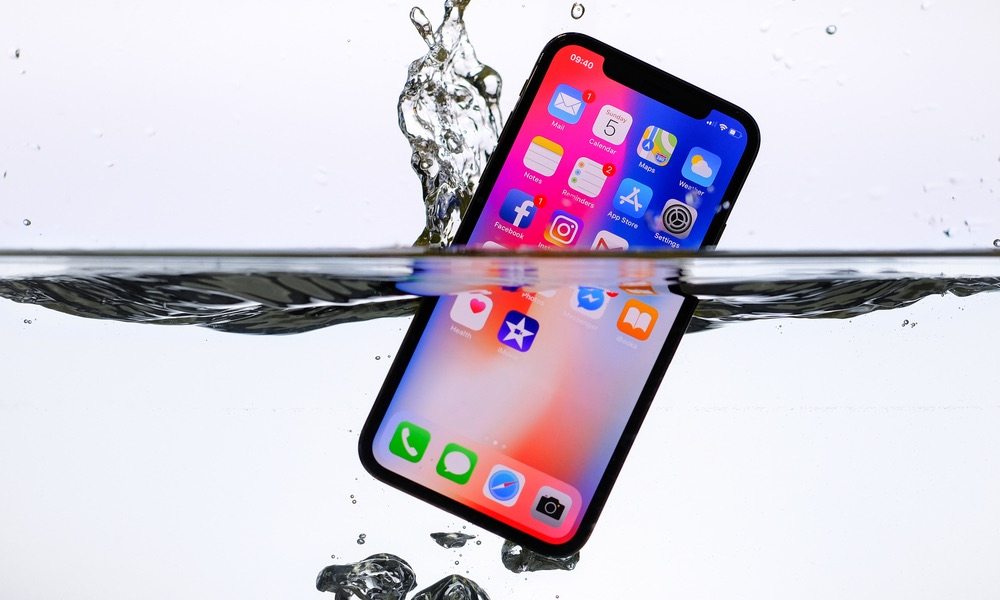
iPhone and iPad Water Damage Problems
Water damage can seriously affect the delicate internal components of your iPhone or iPad, including the display, battery, charging circuit, speakers, cameras, and motherboard. Whether the device was exposed to rain, dropped in water, spilled on accidentally, or affected by moisture over time, liquid can quickly damage sensitive circuits and cause the device to stop working. Fast action is extremely important, as the first few minutes after liquid exposure can make a major difference in saving your device and protecting your important data.
Troubleshooting iPhone and iPad Water Damage
The first and most important step is to power off the iPhone or iPad immediately. Do not attempt to charge it, press buttons repeatedly, or connect any accessories, as this can increase the risk of short circuits. Remove the SIM tray, disconnect accessories, and gently dry the outer surface using a soft absorbent cloth without shaking the device too much.
Next, keep the device in a dry, stable position to reduce internal moisture movement. Avoid using a hair dryer, direct heat source, or charging cable, as heat can worsen internal damage and charging may short the board. If possible, leave the device unused for at least 24 hours in a dry environment. While moisture-absorbing materials may help externally, internal liquid often remains trapped near the motherboard, display connectors, and battery circuits.
Some liquid damage symptoms may not appear immediately. Your iPhone or iPad may later develop display lines, no charging, Face ID issues, speaker distortion, battery drain, or random restarting. Even if the device appears normal after drying, hidden corrosion can slowly damage components over time, so professional inspection is strongly recommended.
Professional iPhone and iPad Water Damage Repair
If your iPhone or iPad still does not work properly after drying, it may need professional liquid damage cleaning and board-level repair. Our expert technicians can inspect the motherboard, charging section, display path, battery circuit, cameras, and data lines, then provide a free repair estimate. Whether you visit our repair center or choose our pickup and drop service, we ensure safe and reliable recovery solutions.
Don’t let water damage permanently affect your device or valuable data. Visit our nearest repair center today and let our experts restore your iPhone or iPad professionally.